3PL Billing Automation: How to Stop Manual Invoicing Errors for Good
3PL billing automation is the process of using warehouse management software to automatically capture billable transactions, apply per-client rate cards, generate invoices, and sync to accounting systems, replacing the manual spreadsheet work that causes most 3PL billing errors. When billing is automated, errors caused by data entry, missed transactions, and wrong rates are eliminated at the source.
Last Updated: March 2026
If you run a 3PL on manual billing, you already know where the errors come from. Someone forgets to log a receiving event. A rate card gets updated in the spreadsheet for one client but not reflected in the invoice template. An ad-hoc fee from three weeks ago gets missed because it was only written on a sticky note. By the time the invoice goes out, it is wrong; and your client is going to find out before you do.
The answer is not more careful data entry. It is removing the data entry entirely. This guide covers where manual 3PL billing breaks, what automation fixes, and how to implement it.
Why Manual 3PL Billing Creates Errors
Manual billing for a 3PL has three structural failure points, and they all scale with complexity.
According to APQC, 2024, manual invoice processing costs organizations between $12 and $30 per invoice — compared to just $1 to $5 with automated systems, making billing automation one of the highest-ROI investments a 3PL can make.
Data entry errors. Every manually entered transaction is an opportunity for a typo, a transposition, or a wrong unit. When your billing team types 54 pallets instead of 45, or enters a per-item pick count from memory rather than from a scan, the error goes into the invoice. The client catches it. You issue a credit. The payment cycle resets.
Calculation errors. Rate card math is simple for one client with one fee type. It gets complex fast. Tiered storage rates, partial pallets, blended pick fees for B2B and DTC orders on the same account, manual spreadsheet formulas break, get copied incorrectly, or apply the wrong version of a rate card. According to the Institute of Finance and Management (IOFM), 61% of invoicing errors in B2B service businesses are caused by manual data entry and calculation.
Omission errors. These are the most expensive and the hardest to catch. When a fee type is not part of your standard billing template, it does not get invoiced unless someone specifically remembers to include it. Ad-hoc charges, rush handling fees, and special packaging requests fall through the cracks not because your team is careless but because the system has no way to capture them automatically.
The problem compounds as you add clients. At 5 clients, manual billing is painful but manageable. At 20 clients, it is a part-time job. At 40 clients, you need a billing coordinator whose entire role is reconciling what happened versus what got invoiced, and even then, errors persist.
The 5 Most Common 3PL Billing Mistakes
Understanding where errors originate makes it easier to see what automation fixes.
1. Missing ad-hoc and special handling fees. When a client asks for rush labeling or special packaging, the request gets handled on the warehouse floor. The fee should hit the next invoice. It often does not, because there is no mechanism to connect the physical work to the billing record. These missed fees are typically small individually ($20-100 per event) but add up to thousands of dollars per year across a full client roster.
2. Wrong rate applied. Client pricing changes (version and date every change on your 3PL rate card). When a client negotiates a new rate, the rate card in your spreadsheet gets updated, if you remember to do it, and if you remember to update all the templates that reference it. If a rate change from two months ago was not applied consistently, you have been undercharging (or overcharging) without knowing it.
3. Missed transactions. If a transaction was not logged in the first place, a receiving event, a pallet move, a return, it never appears on an invoice. Manual transaction logging depends entirely on your team’s consistency. A busy receiving day where logging falls behind is a billing gap.
4. Duplicate charges. The flip side of missed transactions: logging the same event twice. This is more visible because clients notice when they are overcharged, but resolving it still takes time, erodes trust, and delays payment.
5. Late invoicing. When billing runs on a manual cycle, building the invoice at the end of the month from accumulated notes and logs, invoices go out late when the month is busy. Late invoices mean late payment. According to industry benchmarks, 3PLs running manual billing carry average Days Sales Outstanding (DSO) of 45+ days. Automated billing cuts DSO to 25-30 days because invoices go out on schedule regardless of how busy the warehouse is.
What 3PL Billing Automation Actually Does
The phrase “billing automation” can sound vague. Here is exactly what it means in a WMS context.
Transaction capture at the source. When a team member scans a pallet during receiving, the WMS records the event. When an order is picked, the scan records the pick count. Every warehouse transaction is captured at the moment it happens, no manual logging, no end-of-day reconciliation. The transaction record is the billing record.
Rate card application. The system matches each transaction to the appropriate client’s rate card and calculates the fee automatically. If Client A’s storage rate is $12 per pallet per month and Client B’s is $10, the system applies the right rate for each without anyone looking it up. If rates change, you update the rate card once in the system, and the change applies to all future billing automatically.
Invoice generation. At your configured billing interval, weekly, twice monthly, monthly, the system compiles all fee entries for each client and generates an invoice. The invoice reflects the exact activity captured during the period. No one has to build it manually.
Accounting sync. The generated invoice syncs to QuickBooks or Xero with your chart of accounts mapping applied. No export, no import, no re-entry. Your billing records and your accounting records stay aligned without any manual intervention.
The result is that your team runs the warehouse. Billing runs itself.
How to Set Up Automated 3PL Billing in 4 Steps
Implementing 3PL billing automation through a WMS like PackemWMS follows a straightforward setup process during implementation.
Step 1, Map your fee types. List every fee you charge or intend to charge: storage (pallet, carton, bin), receiving, pick, pack, returns, kitting, special handling, ad-hoc. This list becomes the foundation of your billing configuration. Any fee type not mapped here will not be captured automatically, so be thorough.
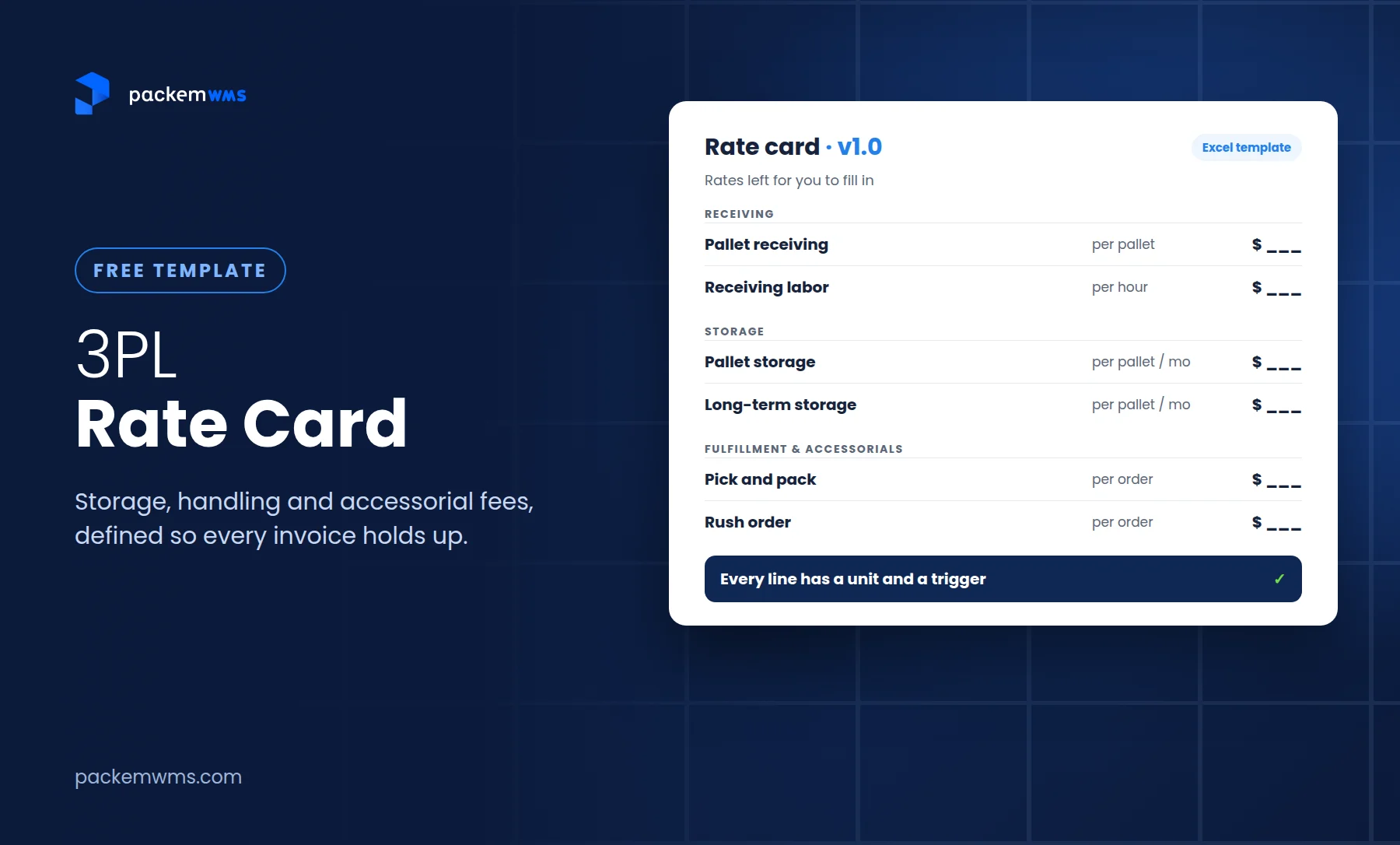
Step 2, Build rate cards per client. For each client, configure their specific rates for each fee type. This includes tiered pricing, minimum charges, and any custom structures. For new clients, create the rate card at onboarding. For existing clients, migrate their current rates into the system.
Step 3, Connect your accounting system. Link your QuickBooks or Xero account and map each fee type to the appropriate revenue account in your chart of accounts. This is typically a one-time setup that takes 30-60 minutes.
Step 4, Set billing intervals. Configure how frequently invoices generate for each client. Most 3PLs run monthly or twice-monthly billing cycles. Some clients with high transaction volume prefer weekly invoices. The system handles different intervals per client without extra work.
After setup, billing runs automatically. The only manual step is reviewing invoices before sending, which most 3PLs do as a sanity check before the first few cycles, then relax as confidence builds.
The Business Impact of Eliminating Billing Errors
The direct benefits of 3PL billing automation are measurable and appear quickly.
More revenue captured. When ad-hoc fees and missed transactions are automatically recorded, they show up on invoices instead of disappearing. A 3PL with 20 clients capturing an average of $200/month more per client through complete fee tracking adds $4,000/month in previously uncaptured revenue, $48,000 per year.
Fewer disputes. When clients receive accurate invoices that match what they can verify through a customer portal, dispute rates drop. The IOFM reports that invoicing automation reduces invoice processing time by up to 80% and significantly reduces dispute rates by removing calculation errors.
Faster payment. Invoices that go out on schedule and are accurate get paid faster. DSO drops from the 45+ day manual billing average toward 25-30 days when billing is automated and invoices are correct on first issue.
Staff time reclaimed. Small 3PLs typically spend 10-15 hours per month on manual billing. That time shifts from billing to warehouse operations, client relationships, or growth. The IOFM benchmark suggests automation cuts invoice processing time by 80% — in a 3PL context, that means going from two full billing days per month to half a day of invoice review.
Better client relationships. Billing disputes are relationship friction. Accurate, on-time invoices that clients can verify through a self-service portal remove that friction entirely. Clients who trust their billing statements are easier to retain and easier to expand.
How PackemWMS Handles 3PL Billing Automation
PackemWMS was built with billing as a core feature, not a later addition. The billing engine is native to the WMS, which means every warehouse transaction feeds directly into billing without any data transfer or integration between separate systems.
Rate cards are configurable per client with no limit on complexity. Storage billing runs on daily accruals. Pick fees are captured per scan. Ad-hoc fees can be entered directly into the client’s billing record from the mobile app or desktop. Invoices generate on your configured schedule and sync to QuickBooks automatically.
The entire system runs on 3PL warehouse management software priced at $750-1,800/month — a fraction of what enterprise alternatives charge for comparable billing functionality.
Frequently Asked Questions
What is 3PL billing automation?
3PL billing automation is the use of warehouse management software to automatically capture every billable warehouse transaction, apply per-client rate cards, generate invoices on schedule, and sync to accounting systems. It eliminates manual data entry, calculation, and omission errors that occur with spreadsheet-based billing.
What are the most common 3PL billing errors?
The most common 3PL billing errors are missing ad-hoc fees, applying the wrong client rate, missing transactions entirely (especially receiving and returns), duplicate charges from double-logging, and late invoicing that extends payment cycles. All of these are eliminated when billing is automated through a WMS.
How much revenue do 3PLs lose to billing errors?
The amount varies by operation size and billing complexity, but a 3PL with 20 clients missing an average of $200/month per client in uncaptured ad-hoc and special handling fees loses $48,000 per year in revenue that was earned but never invoiced. Manual billing consistently undercharges because it can only capture fees that are actively tracked.
Does 3PL billing automation require an accounting background?
No. The billing configuration in PackemWMS is handled during the 2-5 week implementation process. You provide your fee types and rate card structure; the system handles the rest. The only accounting step is mapping fee types to your QuickBooks chart of accounts, which is a one-time setup with PackemWMS support.
How long does it take to implement automated 3PL billing?
With PackemWMS, billing automation is live within the standard 2-5 week implementation timeline. Rate card configuration, accounting connection, and billing interval setup are all part of standard onboarding.
Manual invoicing errors are not a people problem. They are a process problem, and the process is the problem because it relies on human consistency at every step. Billing automation removes human dependency from the steps where it creates errors — transaction capture, rate calculation, and invoice generation — while leaving your team in control of the decisions that actually require judgment.
Ready to stop leaving billing errors and uncaptured revenue in your invoices? Schedule a demo with PackemWMS and see the billing engine in action with your specific client and fee structure.