Last updated: October 13, 2026 · By Sam Ranjbari, founder of Packem
3PL software is a warehouse management system built for third-party logistics providers: it runs receiving, storage, picking, packing and shipping for many client businesses in one warehouse, keeps each client’s inventory separate, and bills each client for the work done on their behalf. For a small 3PL, it replaces the spreadsheets, paper pick tickets and month-end invoice scramble.
If you run a 3PL with a handful of clients, you’ve probably hit the point where spreadsheets stop working. Inventory counts drift, clients email asking for stock levels, and invoices take days to assemble because charges live in five different places. The right 3PL software fixes that. The wrong one adds a six-month implementation and a bill sized for a company ten times yours.
This guide covers what 3PL software does, the features a small 3PL actually needs, what it costs (with published prices where vendors share them), how the main options compare, and how to choose.
Key Takeaways
- 3PL software is a WMS built for multiple clients: separate inventory per client, a client portal, and billing that charges each client for storage, handling and extras.
- For small 3PLs, the features that pay for themselves first are automated billing, client inventory visibility and scanner-based picking.
- Published pricing for small-3PL platforms starts around $499 to $950 a month, before setup fees and growth charges. Compare at your real team size and order volume, not the entry price.
- Retail EDI, B2B pallet work, kitting and lot tracking are where platforms differ most. Check them if your clients sell to retailers or ship more than parcels.
- Most small 3PLs can go live in a few weeks with clean data and a phased rollout.
What makes 3PL software different from a regular WMS
A regular warehouse management system assumes one company owns all the inventory. A 3PL’s warehouse holds inventory for many companies, each with its own SKUs, orders, rules and rate card. 3PL software is built around that:
- Multi-client inventory. Every client’s stock is tracked separately, even when it shares racking.
- Client billing. Storage, receiving, pick and pack, packaging and accessorial charges are captured per client and turned into invoices.
- Client portal. Clients see their own inventory, orders and invoices without emailing you.
- Per-client integrations. Each client connects their own Shopify, Amazon, TikTok Shop or EDI orders.
Inventory apps built for a single brand (and most ERPs) don’t do these well. That’s why 3PLs outgrow them fast.
Platforms also fall into rough size bands:
| Band | Typical operation | What matters most |
|---|---|---|
| Small 3PL | 1 warehouse, roughly 1 to 20 clients, lean team | Fast setup, billing automation, ease of use, predictable cost |
| Mid-market | Multiple warehouses, 20 to 100 clients | Integrations breadth, labor management, B2B and retail compliance |
| Enterprise | Large networks, complex automation | Configurability, robotics, deep customization |
This guide focuses on the first band, with an eye on what you’ll need as you grow into the second.
Must-have features for small 3PLs
1. Automated billing from warehouse activity
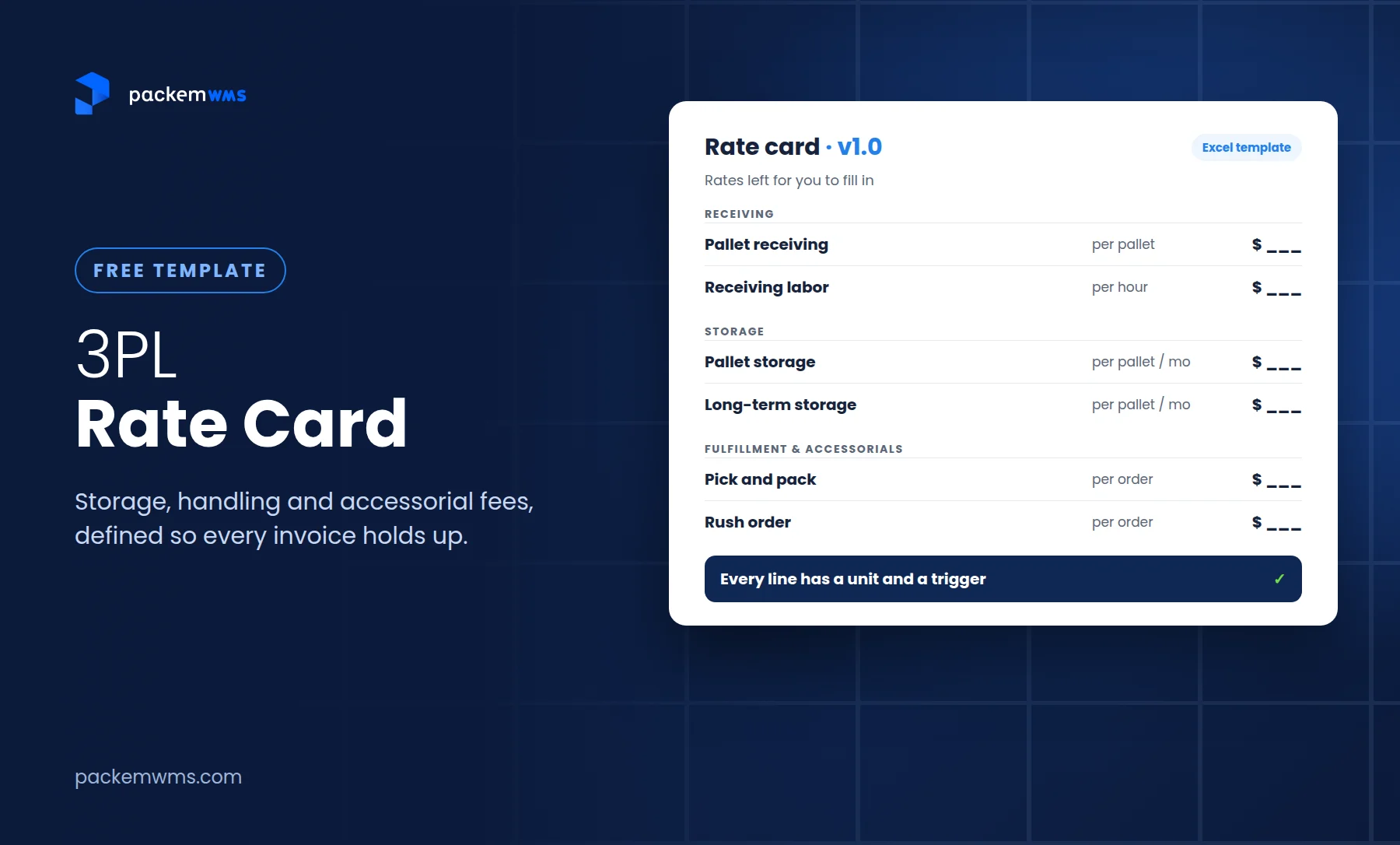
Billing is where small 3PLs lose the most money. When charges for picks, packaging, pallets and ad hoc work are tracked by hand, some never make it onto the invoice. One of our clients, a 3PL with three facilities in New Jersey and Texas, found through an internal audit that it was losing thousands of dollars to misbilling while charges lived in outdated, manual systems. Your software should capture every charge from warehouse transactions, apply each client’s rate card and produce invoices with a detailed billing report behind them. If you’re building or fixing your pricing, start with our 3PL rate card template, and see how 3PL billing software works.
2. Multi-client inventory and a client portal
Each client’s inventory, orders and lot or expiry data should be separate, with a portal where they can check stock, orders and invoices themselves. This cuts the “how many do we have left?” emails and makes you look bigger than you are.
3. Scanner-based receiving, picking and packing
Barcode scanning on phones or handheld scanners keeps counts accurate and lets new staff get productive quickly. Look for mobile workflows for receiving, put-away, picking, packing and cycle counts.
4. Integrations your clients already use
At minimum: the e-commerce channels your clients sell on (Shopify, Amazon, WooCommerce, TikTok Shop), the carriers you ship with, and your accounting system. Packem syncs invoices to QuickBooks and Xero; see our guide to the QuickBooks integration for 3PL WMS.
5. B2B and retail capabilities
As soon as a client lands a retailer, you need pallets, LPNs, GS1-128 labels and EDI (850 purchase orders, 940/945 warehouse orders and confirmations, 856 advance ship notices). Many small-3PL platforms treat these as add-ons. Our 3PL EDI guide explains what’s involved.
6. Value-added services
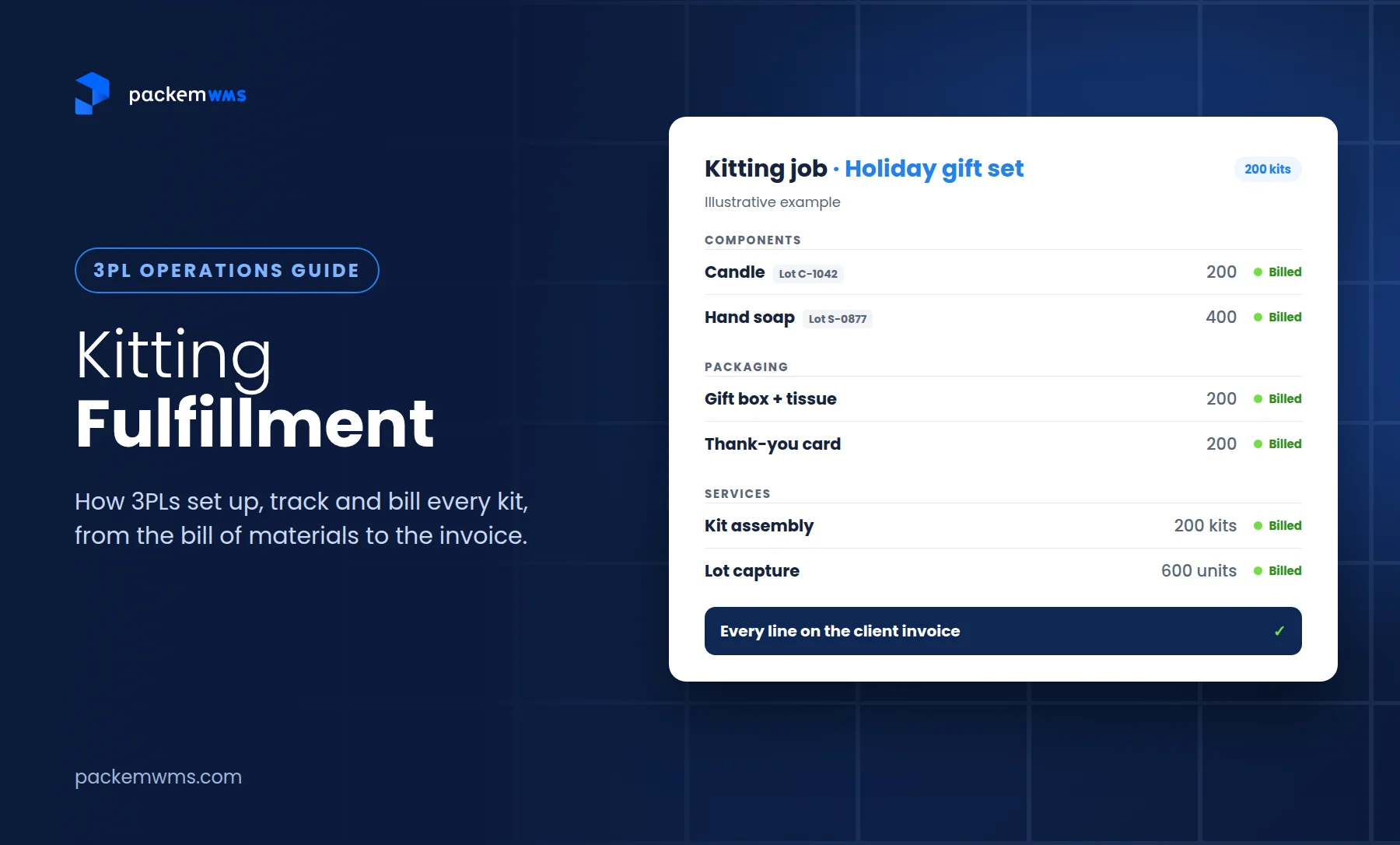
Kitting, bundles and lot tracking come up sooner than most small 3PLs expect, especially with subscription box, food, supplement and cosmetics clients. See how kitting fulfillment works in a WMS.
Features that can wait
Labor management, slotting optimization, robotics integrations and multi-site network planning matter for large operations. For a small 3PL, paying for them early usually means a longer implementation and a higher bill for features nobody uses.
What 3PL software costs
3PL software pricing varies more than almost any other part of the decision, because vendors charge by different units. The common models:
- Flat monthly plans with limits on orders, shipments or warehouses
- Per-user pricing, sometimes with a number of users included
- Per-client fees that grow as you sign new clients
- Usage overages for orders or shipments above the plan
- One-time setup or onboarding fees
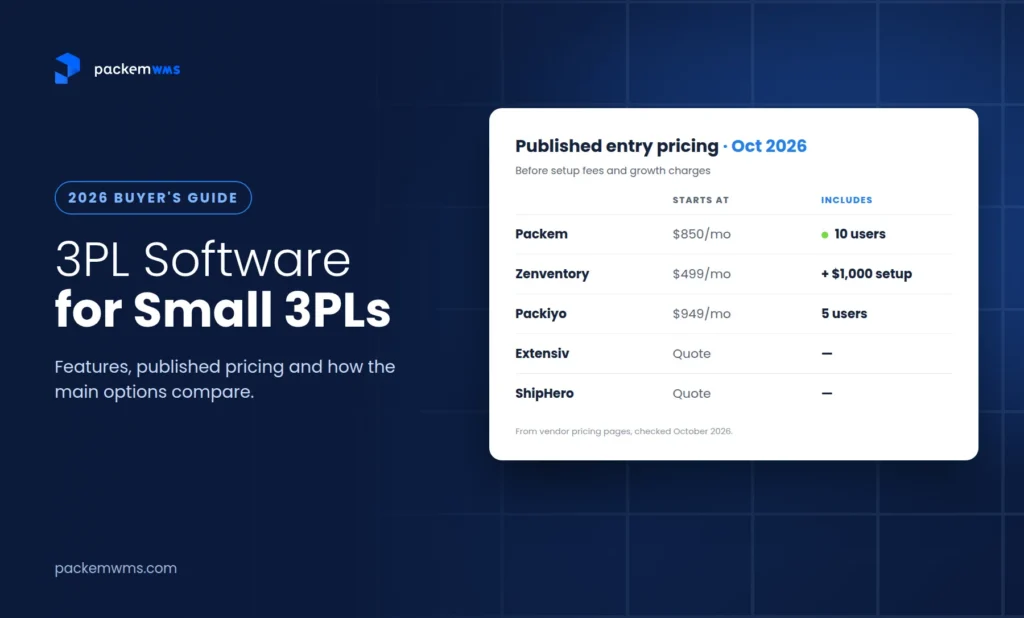
Several vendors publish their entry pricing. As of October 2026:
| Platform | Published entry pricing | What’s included / how it grows |
|---|---|---|
| Packem | From $850/month | 10 users and 2,000 orders a month included; extra users $35/month each; onboarding fee typically waived for smaller 3PLs |
| Zenventory | $499/month (Starter) or $799/month (Growth), plus $1,000 setup | Starter covers one warehouse and up to 10,000 shipments a month; Growth covers three warehouses and up to 50,000 |
| Packiyo | $949/month (3PL Go) | 5 users and 5,000 shipments included; extra users $95/month, extra shipments $0.06 each |
| Extensiv, ShipHero, Logiwa, CartonCloud | Quote-based | Request a quote with your real volume and client count |
Sources: vendor pricing pages, checked October 2026. Prices change, so confirm before you buy.
The entry price is rarely what you’ll pay. Model your real situation: your team size, monthly orders or shipments, number of warehouses, and whether you need EDI or accounting sync. A platform that’s cheaper at five users can cost more at twelve, and one that includes more shipments can be cheaper for a high-volume DTC client mix. Our guide to 3PL software pricing and the WMS cost calculator go deeper.
Also ask about:
- Implementation or onboarding fees, and what they include
- EDI setup per retailer and any monthly connector fees
- Integration fees for marketplaces or accounting
- Contract length and what happens at renewal
3PL software compared
Here’s how the platforms small and mid-size 3PLs most often evaluate stack up:
| Software | Best for | Watch out for |
|---|---|---|
| Packem | Small to mid-size 3PLs doing DTC and B2B, with retail EDI, QuickBooks or Xero, and TikTok Shop | Costs more than Zenventory’s entry plan |
| Zenventory | Budget-conscious, single-warehouse DTC 3PLs | Check retail EDI and pallet-level B2B depth |
| Packiyo | E-commerce-heavy 3PLs that want a modern DTC workflow | Per-user cost as the team grows; check retail EDI |
| Extensiv (formerly 3PL Central) | Established 3PLs that want a large integration ecosystem | Per-client fees and a multi-product setup that can be heavy for small teams |
| ShipHero | High-volume DTC fulfillment | Less focused on B2B, pallets and retail EDI |
| Logiwa | Automation-heavy, high-volume operations | More platform than most small 3PLs need |
| CartonCloud | 3PLs that also run trucks and want WMS and TMS together | Strongest in Australia and New Zealand; check US support hours |
Packem is built for small and mid-size 3PLs that handle both e-commerce and retail clients: automated billing from warehouse transactions, per-client rate cards, a client portal, scanner workflows, retail EDI through our SPS Commerce partnership, kitting and lot tracking.
Zenventory has the lowest published entry price and includes unlimited clients and users. It suits single-warehouse DTC operations. See our Zenventory alternatives guide.
Packiyo has a modern interface and broad e-commerce integrations, and is popular with DTC-focused 3PLs. See Packiyo alternatives.
Extensiv is one of the most widely used 3PL platforms, with a large integration marketplace. Small operators often cite per-client fees and setup complexity. See Extensiv alternatives for small 3PLs.
ShipHero is built for fast, high-volume parcel fulfillment. See ShipHero alternatives.
Logiwa targets high-volume operations that want advanced automation. See Packem vs Logiwa.
For a longer feature-by-feature walkthrough, see our buyer’s guide to the best WMS for small 3PLs.
How to choose 3PL software for your small 3PL
Step 1: Write down your reality. Number of clients, monthly orders, SKUs, warehouses, team size, and the channels and retailers your clients use. This is what you’ll price against.
Step 2: List your three biggest problems. Missed charges, inventory accuracy, client communication, retail compliance? Score every vendor on those first.
Step 3: Price it at your real size. Ask each vendor for a quote at your actual team size and volume, plus the setup, EDI and integration costs. Compare totals for year one and year two.
Step 4: Test billing with real data. Give each vendor one client’s real rate card and last month’s activity, and ask them to produce the invoice in the demo. Billing is where the differences show.
Step 5: Have your warehouse team try it. The people scanning and picking every day will tell you quickly whether a system is usable.
Step 6: Check implementation and support. Ask who sets up your account, how long go-live takes for a 3PL your size, and how support works after launch. Our WMS demo checklist has the questions to ask.
What implementation looks like
Most small 3PLs can go live in a few weeks with clean data and a phased rollout:
- Set up clients, SKUs and rate cards. Import from spreadsheets where possible.
- Connect integrations client by client: stores, marketplaces, carriers and accounting.
- Train the floor team on scanning workflows before go-live.
- Move clients in phases: new or simple clients first, complex clients last.
- Reconcile inventory and test invoices against last month’s numbers before you send real ones.
If you’re moving off another system, our guide on how to switch 3PL WMS walks through the steps.
Common mistakes when choosing 3PL software
- Buying for features instead of fit. Enterprise platforms promise everything, then take months to configure. Match the system to your size and the next two years of growth.
- Comparing entry prices instead of real cost. Users, shipments, clients, warehouses and setup fees all change the total. Price at your actual numbers.
- Overlooking billing depth. If the system can’t handle your rate cards, minimums and accessorials, you’ll still be fixing invoices in a spreadsheet.
- Ignoring retail and B2B needs. One retail client can require EDI, GS1-128 labels and pallet builds. Check before you need it.
- Skipping the warehouse team. A system the floor team avoids won’t deliver accurate inventory.
Frequently asked questions
What is 3PL software?
3PL software is a warehouse management system built for third-party logistics providers. It manages inventory for multiple clients in one warehouse, runs receiving, picking, packing and shipping, gives each client visibility through a portal, and bills each client for storage, handling and other services.
How much does 3PL software cost for a small business?
As of October 2026, published entry pricing for small-3PL platforms includes Zenventory at $499/month plus a $1,000 setup fee, Packem from $850/month with 10 users included, and Packiyo at $949/month with 5 users. Extensiv, ShipHero, Logiwa and CartonCloud quote on request. Total cost depends on users, order volume, warehouses and add-ons like EDI.
What is the best 3PL software for a small business?
It depends on your client mix. Packem fits small and mid-size 3PLs doing both DTC and B2B with retail EDI and automated billing. Zenventory suits budget-focused single-warehouse DTC 3PLs, Packiyo suits e-commerce-heavy 3PLs, and Extensiv suits established 3PLs that want a large integration ecosystem.
What features does a small 3PL need?
Automated client billing, separate inventory per client, a client portal, barcode scanning for receiving and picking, integrations with the channels your clients sell on and your accounting system, and, if clients sell to retailers, EDI and GS1-128 labels.
How long does it take to implement 3PL software?
Most small 3PLs can go live in a few weeks with clean data and a phased rollout. Larger operations and enterprise platforms can take several months.
Should a small 3PL use spreadsheets or 3PL software?
Spreadsheets can work for one or two clients. Beyond that, missed charges, inventory errors and manual reporting usually cost more than the software. Our post on the signs you’ve outgrown spreadsheets covers when to switch.
Making your decision
The best 3PL software for a small 3PL is the one that bills every client accurately, keeps inventory right, and fits your size and budget today without boxing you in next year.
This week: write down your client count, monthly orders, team size and your three biggest problems. This month: get quotes from two or three platforms at those numbers and run one real client’s billing through each demo.
If automated billing, retail EDI and a client portal are on your list, book a 30-minute Packem demo. Bring a client’s rate card and last month’s activity and we’ll show you the invoice.