3PL warehouse management software features: what actually matters
Last Updated: May 6, 2026
What are 3PL warehouse management software features? 3PL WMS features are the capabilities built into warehouse software specifically for third-party logistics providers, tools like multi-client billing, customer portals, lot tracking, and mobile scanning that enable a single warehouse to manage inventory, orders, and invoicing for multiple clients simultaneously.
Every WMS vendor has a features page. Billing automation. Real-time inventory. Mobile scanning. Integrations. The lists look identical at first glance, and that is exactly the problem.
When you are running a growing 3PL with 15 clients, two shifts on the floor, and a QuickBooks reconciliation that takes half your Friday, you need to know which features actually change how your operation runs, and which ones are there to fill a comparison table.
This guide covers the 3PL warehouse management software features that drive measurable ROI for small-to-mid-size 3PLs, plus the ones that get oversold to operators who will never use them.
Which 3PL WMS features actually drive ROI
Not all 3PL software features are created equal. Some fix problems that cost you real money every week. Others are engineering accomplishments your warehouse staff will never touch.
The features that consistently drive ROI share three qualities: they fix daily problems (billing errors, “where’s my order?” calls, paper pick lists), they work without IT expertise, and they scale without per-client or per-user fees.
According to research published in Logistics Management, 3PLs that automate billing and provide client-facing portals report the highest client retention improvements after WMS implementation. Operational features like scanning accuracy matter for throughput. But business-layer features (billing, client visibility, accounting sync) protect your margins.
Here are the essential 3PL WMS features worth examining closely.
Multi-client billing and rate cards
This is the most important differentiator in 3PL software, and it is the one most generic WMS vendors get wrong.
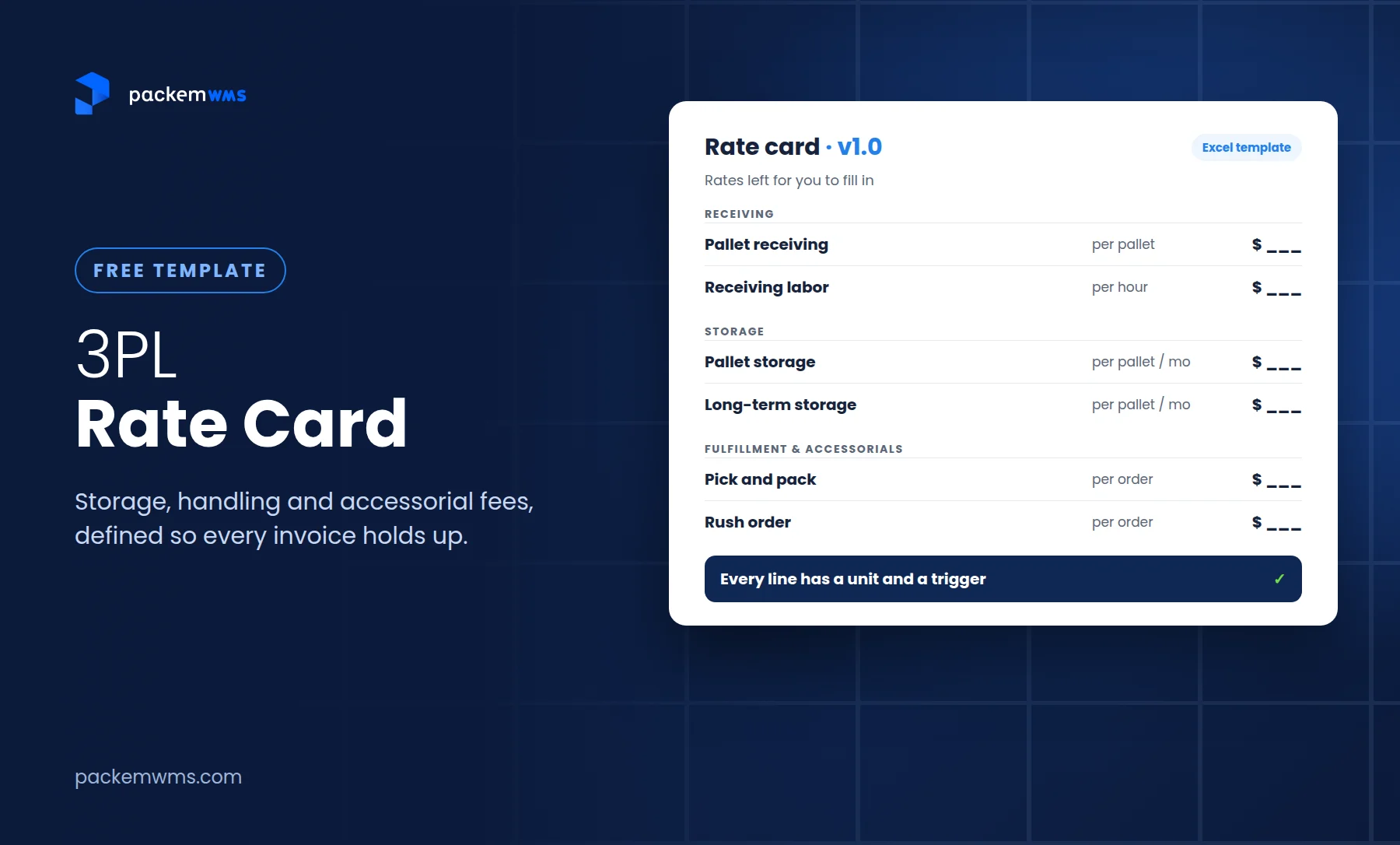
A 3PL does not bill like a retailer or a distributor. You have a different rate card for each client, storage fees calculated by pallet, carton, or bin location; pick and pack fees per unit or per order; receiving fees, return fees, kitting fees. Some clients get partial pallet rates. Others have ad-hoc fees for special services.
A WMS built for 3PLs handles all of this automatically. The system tracks every billable warehouse transaction, every pallet received, every order picked, every return processed, and generates client invoices based on that client’s specific rate card. You review and approve; the system does the math.
When invoices generate directly from warehouse activity, billing errors drop dramatically. Industry benchmarks from DC Velocity suggest that 3PLs using manual billing spend five to ten hours per month on reconciliation alone. Automated billing eliminates that category of work entirely.
For PackemWMS customers, billing is built into the core platform, not an add-on module. Every fee type is configurable per client: storage by pallet, carton, or bin; pick/pack; receiving; returns; kitting; partial/split fees; ad-hoc fees. When billing runs, invoices sync automatically to QuickBooks. No duplicate entry, no spreadsheet math.
This is the single feature most worth stress-testing in any WMS demo.
Customer portal with white-label support
Your clients want to know what is in the warehouse, what shipped, and what they owe. If they are calling or emailing you for that information every week, you are spending time on communication that a portal could handle automatically.
A real 3PL warehouse management software gives each client secure login access to their own inventory levels, order status, purchase orders, invoices, and reporting, updated in real time, available 24/7.
The white-label piece matters more than it sounds. A portal that says “PackemWMS” or another vendor’s name on the login page positions your 3PL as a reseller of someone else’s software. A portal running on your own domain with your own logo looks like you built it. For small 3PLs competing against larger regional providers, this brand presence is a real differentiator in sales conversations.
When evaluating 3PL software features in this category, ask:
– Does each client see only their data, or could there be cross-client visibility issues?
– Can clients place orders directly through the portal, or is it read-only?
– Is white-labeling (your domain, your logo) included or an expensive add-on?
PackemWMS includes a white-label customer portal as part of the standard platform. Clients get their own login, see real-time inventory and orders, can place orders, and access invoices, all under your brand.
Mobile scanning and Android/Zebra support
Warehouse operations run on barcode scanning. Pick lists on paper are slow and error-prone. A mobile WMS app puts the system in your team’s hands at every step: receiving, putaway, picking, packing, cycle counts.
The research on scanning accuracy is consistent: according to warehouse management industry benchmarks, barcode-guided picking reduces errors by up to 80% compared to paper-based pick lists. Accuracy improvements of that magnitude cut client complaints, reduce reshipments, and protect your per-order margins.
When evaluating this feature in 3PL WMS options, device compatibility is the practical question. Not all mobile WMS apps run on industrial hardware.
PackemWMS runs on Android devices and is optimized for Zebra handheld scanners, the industrial standard in warehouse environments. There is no iOS version currently. If your operation runs on Zebra devices already, compatibility is immediate. If you are purchasing hardware for the first time, Android plus Zebra is the most cost-effective and durable combination for warehouse floors.
The mobile scanning app covers the full operational loop: receiving (scan product, generate LPN labels), putaway (directed putaway with barcode confirmation), picking (batch, wave, or single-order), packing verification, and cycle counts, all from the floor without returning to a desktop terminal.
For batch picking specifically, workers pick multiple orders simultaneously, following a scan-guided route. Industry benchmarks suggest batch picking reduces warehouse walk time by up to 60% versus single-order picking, which compounds into meaningful throughput gains over a full shift.
Lot, LPN, and pallet tracking
These three features are often grouped under “inventory management” in vendor feature lists, but they address distinct operational needs. Understanding the difference helps you know which ones your 3PL actually requires.
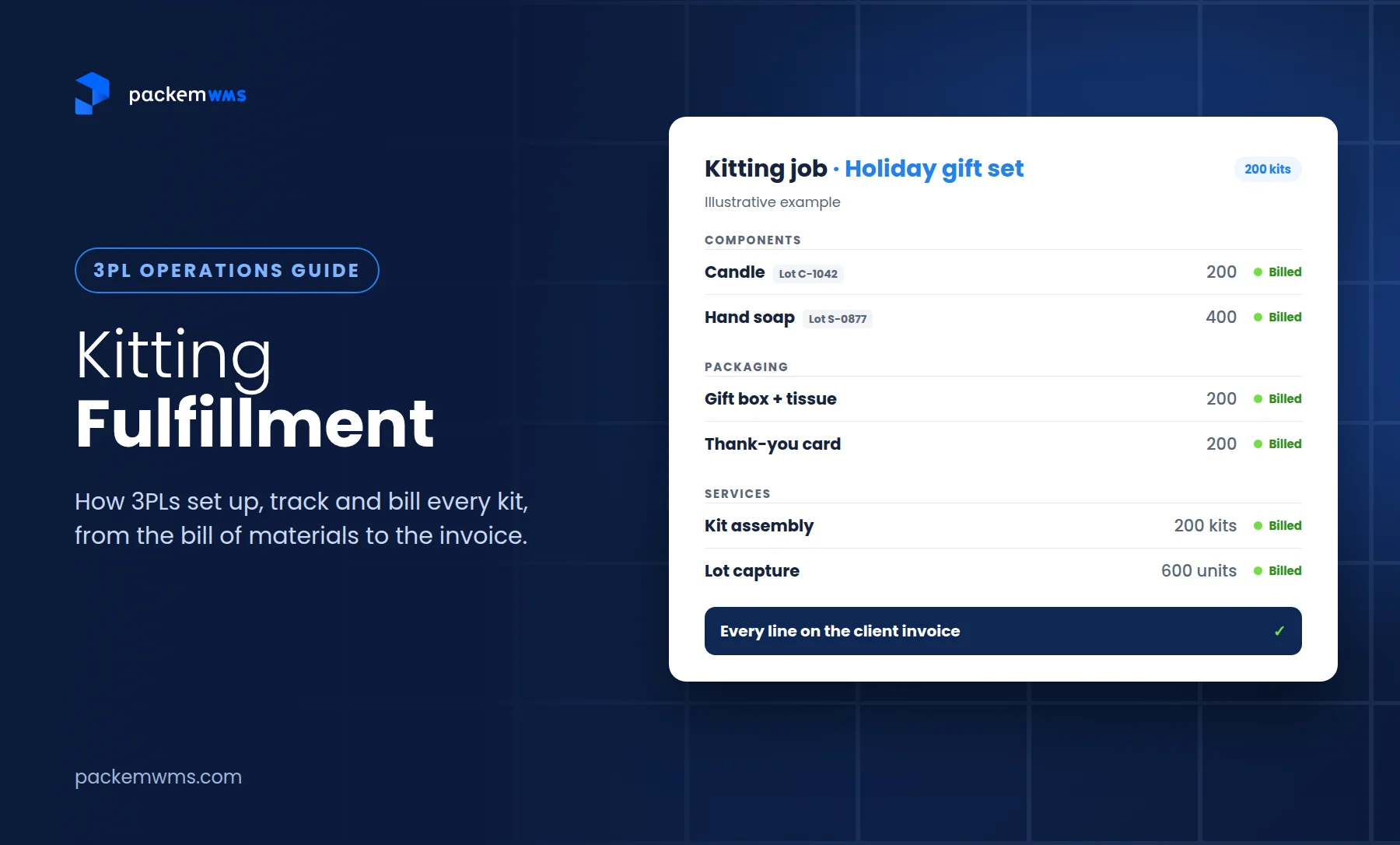
Lot tracking records the lot number (and expiration date, where applicable) through every warehouse touchpoint: receiving, putaway, picking, and shipping. This is mandatory for any 3PL handling food, pharma, medical devices, or other regulated goods. First In First Out (FIFO) and First Expired First Out (FEFO) rotation are enforced automatically, so the system allocates inventory based on the rule, not on which bin a picker reaches first. Without lot tracking, a food 3PL relies on manual sorting and staff memory to prevent expired inventory from shipping.
License Plate Number (LPN) tracking assigns a unique barcode to each pallet at receiving. From that point, scanning the LPN moves the pallet through the entire workflow, putaway, storage location, picking, and shipping, without needing to manually count or verify individual SKUs each time. Mixed pallets (multiple SKUs on one pallet) are tracked at the SKU level within the LPN.
LPN tracking is what makes B2B and pallet-in/pallet-out operations practical at scale. It is also where some competitors fall short: ShipHero does not support LPN-level pallet tracking, which limits its utility for B2B fulfillment.
Pallet management as a broader capability includes pallet-level receiving, cross-docking workflows (routing incoming pallets directly to outbound shipments without storage), and storage billing at the pallet level.
For a detailed breakdown of how pallet tracking works in practice, the guide to key WMS features covers the full receiving-to-shipping workflow.
Integrations: QuickBooks, Shopify, and EDI
Integrations make or break WMS workflows. The right connections eliminate manual data transfer between systems. The wrong integration story adds hours of reconciliation back into your week.
QuickBooks is the integration that matters most for most small 3PLs. The majority of independent 3PLs run QuickBooks for accounting. If your WMS generates invoices that require manual re-entry into QuickBooks, you have exchanged one manual process for another.
A genuine QuickBooks integration does two things: it maps your chart of accounts correctly, and it syncs invoices from WMS to QuickBooks automatically the moment they are generated. No copy-paste, no upload, no reconciliation. PackemWMS supports both QuickBooks Online and QuickBooks Desktop with automatic invoice sync and chart of accounts mapping included in the standard plan.
E-commerce integrations (Shopify, WooCommerce, BigCommerce, TikTok Shop, Amazon) matter for 3PLs handling DTC clients. Orders should flow in automatically, inventory should update in real time across channels, and tracking numbers should push back to the store without manual steps. PackemWMS connects to all major platforms through the integrations directory.
EDI (Electronic Data Interchange) is a specific requirement for 3PLs with clients selling to large retailers (Walmart, Target, major grocery chains). EDI automates the exchange of purchase orders, advance ship notices (ASNs), and invoices in standardized formats. Packem supports EDI 850 (purchase orders), 856 (ASN), 810 (invoices), 940/945 (warehouse shipping order and advice), 943/944 (inbound transfers and receipts), 846 (inventory) and 997 (acknowledgments), connected through our SPS Commerce partnership. For a deeper look at how EDI fits into warehouse workflows, the EDI integration guide walks through the full setup.
If your current clients are all DTC brands, EDI is optional now; but it is worth confirming your WMS can add it when a client asks.
Features that sound impressive but don’t matter for small 3PLs
This is the section vendors skip, so let’s be direct.
AI-powered demand forecasting. Useful for large distribution networks with complex replenishment cycles. For a 3PL managing 10–50 clients, demand forecasting is driven by your clients’ own projections, not by an algorithm in your WMS. This is a feature for enterprise operations, not for an operator with 30,000 square feet and a 10-person team.
Robotics integration. Pick-to-light, pack-to-light, AutoStore partnerships. These are meaningful for high-volume automated fulfillment centers doing tens of thousands of picks per day. For small and mid-size 3PLs, the capital investment and complexity outweigh the benefit, and they add implementation time that most growing operations cannot absorb.
Complex wave planning algorithms. Wave picking is valuable at scale, but most WMS platforms leading with wave planning complexity target operations processing thousands of orders per hour. For a 3PL doing 500–5,000 orders per day, batch picking delivers most of the same throughput benefit without the configuration overhead.
Per-user or per-client pricing structures. This is not a feature, it is a pricing model. But it shows up in feature comparisons often enough to flag here. A WMS that charges per user or per client becomes progressively more expensive as your 3PL grows. PackemWMS includes unlimited users, unlimited clients, and unlimited SKUs in the standard plan. That pricing structure is itself a feature at growth stage.
When evaluating what to look for in a 3PL WMS, the right filter is: does this feature solve a problem we face in the next 12 months? If the answer requires a 500,000-order-per-month operation to be useful, it is not a feature you need today.
FAQ
What features do 3PLs actually need in a WMS?
The non-negotiable 3PL software features are: automated billing with per-client rate cards, multi-client inventory separation, mobile barcode scanning (Android/Zebra), a client-facing portal with real-time inventory visibility, and QuickBooks integration for automated invoice sync. Lot and LPN tracking become essential if your clients handle regulated goods or B2B pallet operations. Everything else depends on your specific client mix and volume.
Do small 3PLs need EDI?
Not automatically. EDI is required when a client sells to large retailers that mandate it (major grocery chains, big-box retailers like Walmart or Target). If your current clients are DTC brands shipping to consumers, EDI is optional. The practical answer: confirm that any WMS you evaluate can add EDI when a client needs it, so you are not locked out of those opportunities later.
What is multi-client WMS?
A multi-client WMS separates inventory, billing, orders, and reporting by client within a single warehouse instance. Each client has their own rate card, their own portal login, and their own data, fully isolated from other clients. The 3PL operator sees everything across all clients from a single management view. This is different from running separate WMS instances or logins per client, which defeats the purpose of centralized operations.
Why does QuickBooks integration matter for 3PLs?
Because billing without QuickBooks sync means double work. If your WMS generates invoices that your bookkeeper re-enters into QuickBooks manually, you have not automated billing, you have just moved the manual step downstream. A genuine QuickBooks integration generates the invoice in WMS and pushes it to QuickBooks automatically, with the correct client, the correct chart of accounts mapping, and no human intervention required between systems.
Choosing 3PL WMS features that match your operation
Feature volume is not the same as feature fit. The 3PL warehouse management software features worth prioritizing are the ones that remove manual work from your daily operations: billing automation, client portal access, mobile scanning, QuickBooks sync, and lot or pallet tracking where your client mix requires it.
PackemWMS was built for small-to-mid-size 3PLs, not enterprise networks. It includes all of the above in a platform most teams can implement in two to five weeks without IT involvement, starting at $750/month with unlimited users, clients, and SKUs.
To see these essential 3PL WMS features in a real warehouse workflow, request a demo and we will walk through your specific operation.