A 3PL WMS (third-party logistics warehouse management system) is software that manages the daily operations of a warehouse running on behalf of multiple clients – tracking inventory by client, automating billing based on storage and fulfillment activity, and giving each client real-time visibility into their goods. Unlike a general WMS built for a single-owner warehouse, a 3PL WMS is designed from the ground up to handle multi-client complexity at every layer.
If you run a 3PL and you’re still managing client inventory in spreadsheets or cobbling together a billing workflow by hand, this guide breaks down what a proper 3PL WMS actually does, what to look for when choosing one, and what kind of ROI you can realistically expect.
Last Updated: April 2026
What is a 3PL WMS?
A 3PL WMS is a warehouse management system built specifically for third-party logistics operations. It gives warehouse operators a single platform to manage receiving, putaway, inventory, picking, packing, shipping, billing, and client reporting – across all clients, simultaneously.
According to Armstrong & Associates, 2024, the U.S. 3PL market totaled $307.9 billion in gross revenues — reflecting how central third-party logistics has become to modern supply chains.
According to MHI, 2024, 57% of supply chain companies cited system integration as a major hurdle when adopting new logistics technologies.
The core difference from a general WMS: a 3PL WMS treats clients as a first-class concept throughout the system. Every inventory record belongs to a client. Every transaction – pick, receive, return – is tagged to a client. Billing is generated automatically from those transactions based on that client’s rate card.
The result: you run 20 clients out of one warehouse and each one gets accurate invoices and a real-time view of their own inventory, without your team having to manually reconcile anything.
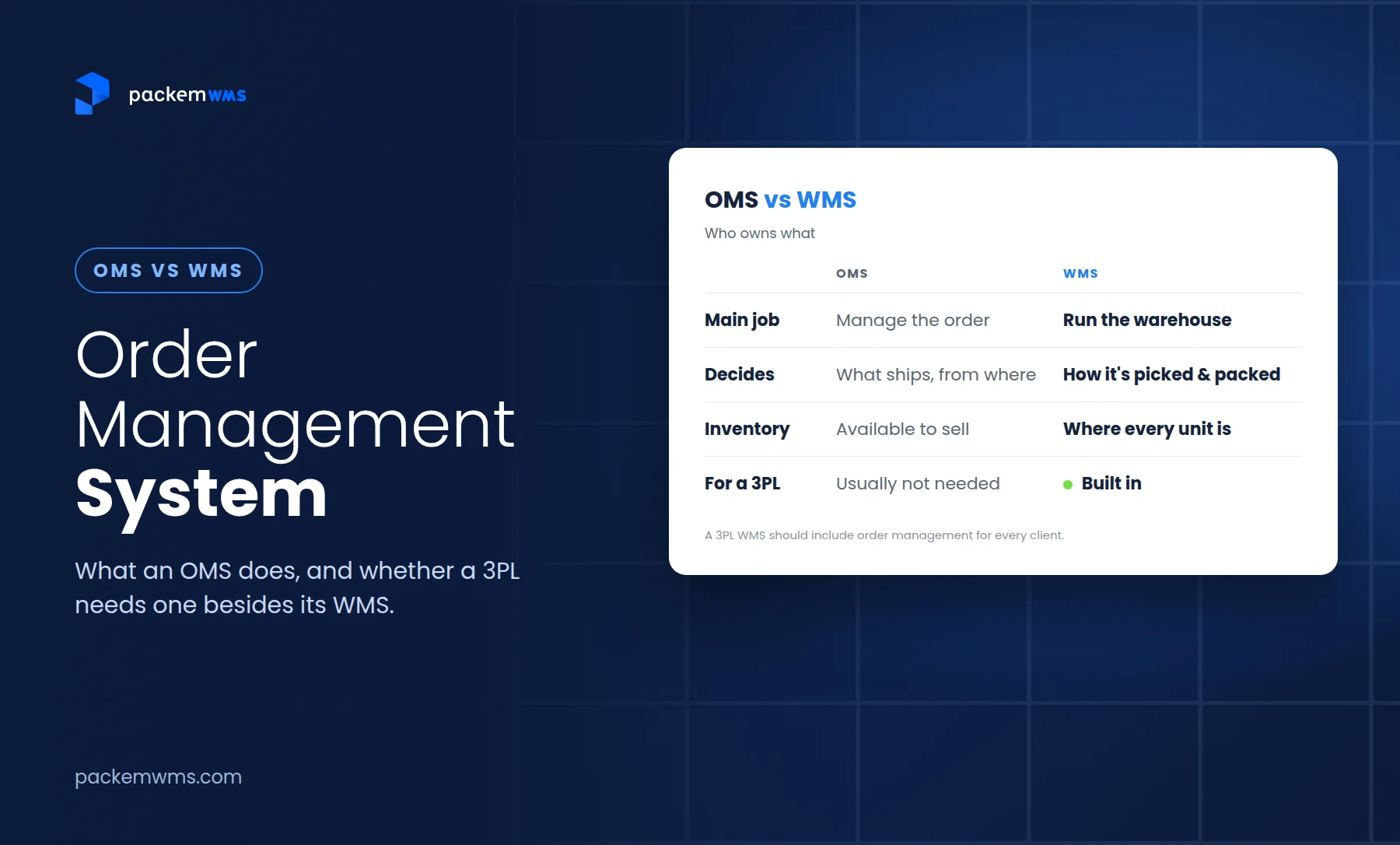
How a 3PL WMS differs from a standard WMS
Most warehouse management systems are built for warehouses that own their own inventory – a manufacturer, a retailer, a distributor. These standard WMS platforms have no concept of “billing clients” because there’s only one inventory owner.
When a 3PL operator tries to use a standard WMS, they hit the same wall every time: the system can track inventory, but it can’t generate invoices for it. That means billing happens separately – in a spreadsheet, in QuickBooks manually, or in some custom export that breaks every few months.
A 3PL WMS solves this at the architecture level:
| Feature | Standard WMS | 3PL WMS |
|---|---|---|
| Multi-client inventory | Limited (workarounds) | Native – every SKU belongs to a client |
| Per-client billing | None | Automated by rate card |
| Client portal | No | Yes – clients see their own data in real-time |
| Per-client rate cards | No | Yes – customized fees per client |
| Multi-client reporting | Manual exports | Automated per-client reports |
| 3PL billing types | N/A | Storage, pick/pack, receiving, returns, kitting |
If you’re running a 3PL without a purpose-built system, you’re doing manually what the software would do automatically. That’s hours per week of reconciliation time you’re not getting back.
Key features every 3PL WMS needs
Not all 3PL WMS platforms are built the same. These are the features that separate a real 3PL WMS from a general WMS with a multi-client workaround.
Multi-client billing engine
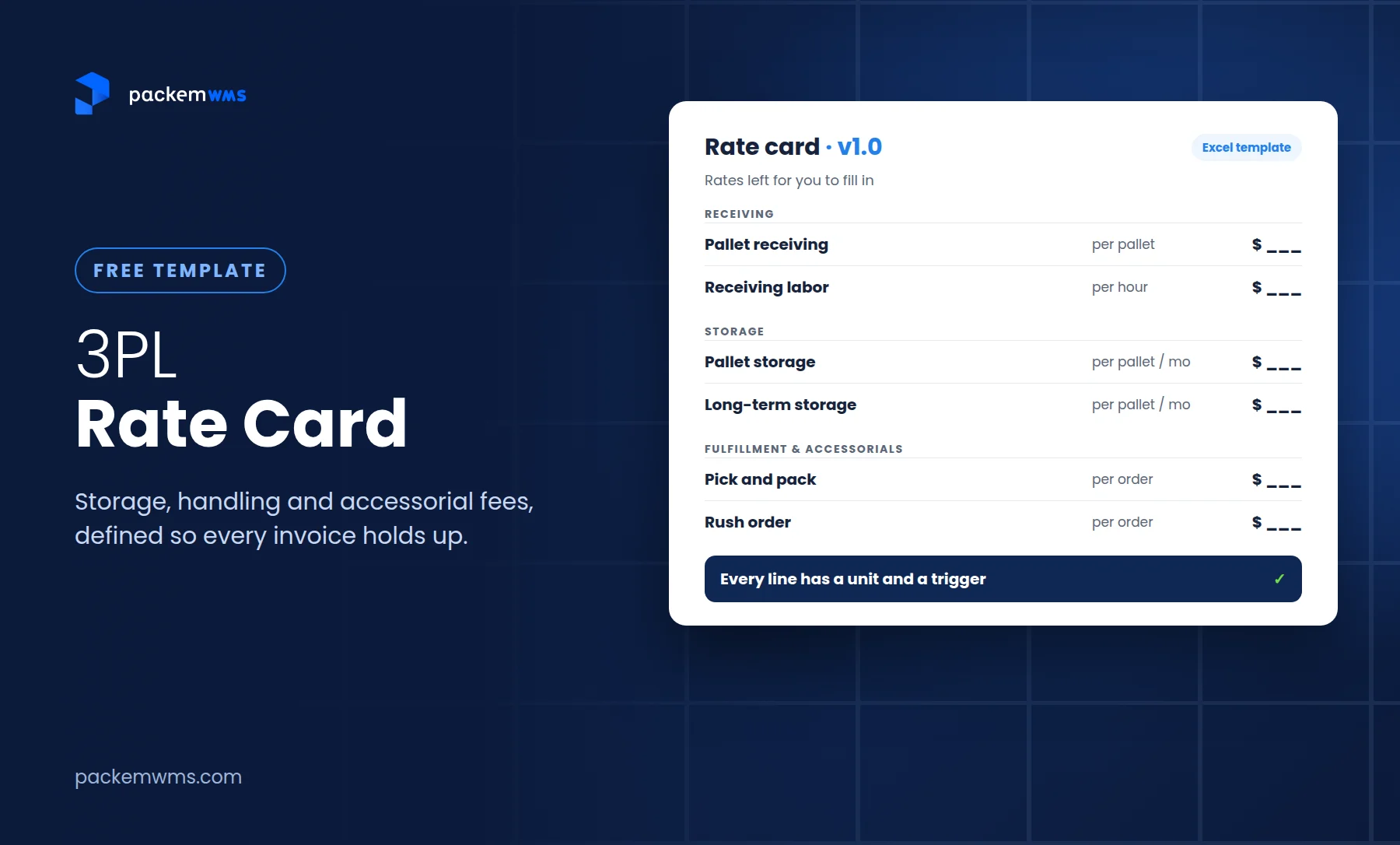
This is the feature that pays for the software. A proper 3PL WMS generates invoices automatically based on how much inventory each client stored, how many orders you picked and packed for them, and any ad-hoc services you provided (kitting, returns, special handling).
Look for: customizable rate cards per client, line-item billing for storage (per pallet, per carton, per bin), pick/pack fees, receiving fees, and automatic QuickBooks sync so invoices flow into your accounting system without manual entry.
Pallet and LPN tracking
If you handle B2B clients or manage floor-to-ceiling pallet storage, you need pallet-level tracking with LPNs (license plate numbers). Each pallet gets a unique LPN barcode. Your team scans it during receiving, putaway, picking, and shipping – giving you an exact location and contents for every pallet at all times.
This becomes critical for cross-docking operations, mixed-SKU pallets, and any client that ships or receives at pallet quantities.
Real-time customer portal
Your clients want visibility. They’ll call you or email you the moment an order ships late or inventory counts look off. A 3PL WMS with a client-facing portal gives each client their own login to see inventory levels, order status, POs, and invoices in real-time.
This reduces inbound calls, builds client trust, and lets you scale your client base without adding support overhead.
Lot and serial number tracking
If you warehouse food, pharma, consumer goods, or any product with expiration dates, your 3PL WMS must handle lot tracking with FIFO/FEFO logic. First-In-First-Out or First-Expired-First-Out rotation needs to happen automatically at the WMS level – not through operator judgment on the floor.
Mobile scanning with Android and Zebra support
Your warehouse floor runs on mobile devices and barcode scanners, not desktop computers. A 3PL WMS worth using has an Android mobile app that works on industrial Zebra scanners for receiving, putaway, batch picking, and cycle counts. If your team is walking back to a desktop between every task, you’re losing hours every day.
Multi-channel order integrations
3PL clients sell on Shopify, Amazon, WooCommerce, and through EDI. Your WMS needs to pull orders from all of those channels automatically, apply routing rules, and push shipment confirmations back. Rate shopping across carriers (via EasyPost or similar) reduces shipping costs across the board.
Who needs a 3PL WMS?
Any warehouse running third-party logistics operations needs a 3PL WMS – but the need becomes urgent at specific inflection points:
You’re managing 3+ clients. With two clients you can probably make a spreadsheet work. At three or more, billing and inventory reconciliation becomes a serious time drain. A 3PL WMS pays for itself in recovered hours within the first quarter.
Your billing accuracy is under 100%. Manual billing means billing errors. Billing errors mean disputes. Disputes mean late payments and strained client relationships. According to WERC (Warehousing Education and Research Council), 3PLs that automate billing reduce invoice disputes by 35%.
You’re adding ecommerce clients. DTC brands need fast, accurate fulfillment and real-time order status. They’ll churn if you can’t deliver both. A 3PL WMS purpose-built for multi-channel orders is table stakes for ecommerce 3PL work.
You need lot tracking or expiration management. The moment you take on a food or pharma client, manual lot tracking creates regulatory exposure. A WMS with FIFO/FEFO logic takes that risk off the table.
Your team is making too many picking errors. Industry benchmark: pick accuracy with barcode scanning runs at 99.9% vs. 99.5% without it. At 10,000 picks per month, that’s the difference between 10 errors and 50 – five times the customer complaints and return processing costs.
Benefits of implementing a 3PL WMS
The ROI for a 3PL WMS comes from three places: labor savings, billing accuracy, and client retention.
Labor savings. Gartner research shows businesses using WMS reduce warehouse labor costs by 10-20%. For a 3PL running $500K in annual labor, that’s $50-100K back per year. Batch picking, directed putaway, and mobile scanning cut walk time and eliminate rework from picking errors.
Billing accuracy. When billing is automated by rate card, you stop losing revenue to unbilled services and stop issuing credits for billing errors. One packaging 3PL operator found they were underbilling by 8% across their client base because of manual calculation errors – a number they didn’t know until they implemented a WMS with automated billing.
Client retention. Clients stay when they have visibility and trust. A 3PL warehouse management software platform with a real-time client portal directly reduces “where’s my inventory?” calls and builds the kind of operational transparency that turns clients into multi-year relationships.
Scalability. Adding a new client in a manual system means setting up new spreadsheets, new billing templates, new communication workflows. In a 3PL WMS, adding a client takes 20 minutes: create the client account, configure the rate card, set up their item list. You scale without scaling headcount.
How to choose the right 3PL WMS for your operation
The WMS market has options at every price point and complexity level. Here’s how to evaluate them without getting sold past your actual needs.
Match pricing to your scale. Enterprise WMS platforms (Manhattan Associates, Blue Yonder) are designed for operations doing millions of orders per month. If you’re a growing 3PL in the $2M-$50M revenue range, you need software built for your size – not a scaled-down version of an enterprise system that still costs $5K+/month. PackemWMS pricing starts at $750/month with unlimited users, clients, and SKUs.
Require QuickBooks integration. If your accounting is in QuickBooks (most small 3PLs are), your WMS must sync invoices automatically. Any system that requires manual export or CSV upload is adding work, not removing it.
Test the mobile app before committing. Ask for a pilot on your actual hardware – Android phones or Zebra scanners. If the picking workflow requires more than 3 taps to confirm a pick, your team will build workarounds instead of using the system.
Ask about implementation timeline. Enterprise implementations take 3-6 months. For a growing 3PL, that’s 3-6 months of continued manual work and lost productivity. Look for a WMS that can be live in 2-5 weeks. Fast time-to-value is a real differentiator, not a marketing claim.
Verify the billing engine covers your fee types. Storage fees (per pallet, per carton, per location), pick/pack fees, receiving fees, return fees, kitting fees, and ad-hoc charges. If the billing module can’t handle your fee structure, you’re back to manual reconciliation.
Frequently Asked Questions
What is a 3PL WMS?
A 3PL WMS is warehouse management software designed specifically for third-party logistics operations. It manages multi-client inventory, automates billing by rate card, and provides each client a real-time portal to view their inventory, orders, and invoices – all from a single platform.
What’s the difference between a WMS and a 3PL WMS?
A standard WMS manages warehouse operations for a single inventory owner. A 3PL WMS is built for multiple clients – every inventory record, transaction, and invoice is separated by client, with automated per-client billing that a general WMS can’t provide.
How much does a 3PL WMS cost?
3PL WMS pricing ranges from $750-1,800/month for small-to-mid-size operations (PackemWMS) up to $5,000+/month for enterprise platforms. Most enterprise platforms also charge per-user or per-client fees that add up quickly. Look for platforms with unlimited users and clients to keep costs predictable as you grow.
Can a 3PL WMS integrate with QuickBooks?
Yes – and it should be a requirement for any 3PL running QuickBooks. A proper integration automatically syncs invoices from the WMS to QuickBooks the moment they’re generated, eliminating duplicate data entry and reconciliation time.
How long does it take to implement a 3PL WMS?
Implementation timelines vary widely. Enterprise systems take 3-6 months. Purpose-built platforms for small and mid-size 3PLs typically go live in 2-5 weeks. The difference is configuration complexity – a system designed for your scale doesn’t require a 6-month customization project.
What happens to my existing client data when I switch WMS?
Most 3PL WMS platforms support data migration from CSV exports. Inventory balances, client records, item masters, and rate cards can typically be imported in the first week of setup. Your WMS vendor should provide a migration checklist and support during the transition.
The bottom line
A 3PL WMS is not an optional upgrade for growing operations – it’s the infrastructure that makes scaling possible. Manual billing, spreadsheet inventory, and email-based client updates work until they don’t. And they usually stop working at the worst possible time: when you’re adding your fifth client or your biggest client demands real-time visibility you can’t provide.
The right 3PL WMS pays for itself in recovered billing accuracy, reduced labor costs, and client relationships that stick.
Schedule a 20-minute demo to see how PackemWMS manages multi-client inventory, automates billing, and gets your team live in under a month.