Last updated: October 19, 2026 · By Sam Ranjbari, founder of Packem
An order management system (OMS) is software that collects orders from every place a business sells, keeps one record of each order, checks inventory availability, decides where each order should ship from, and tracks it through to delivery and returns. A warehouse management system (WMS) takes over once an order reaches the warehouse: it runs the picking, packing and shipping.
That split sounds clean on paper. In a 3PL warehouse it gets blurry fast. Your clients sell on Shopify, Amazon, TikTok Shop, Walmart and wholesale accounts. Some run their own OMS, most don’t. Orders have to reach your floor from all of them, and inventory and tracking have to flow back. So does a 3PL need an OMS on top of its WMS?
Usually not as a separate system, but you do need order management. This guide explains what an OMS does, how it differs from a WMS, who needs which, and how orders should flow between a brand and its 3PL.
Key Takeaways
- An OMS manages the order: capture from every channel, one central record, inventory availability, where to ship from, status and returns.
- A WMS manages the warehouse work: receiving, storage, picking, packing and shipping.
- Multichannel brands often run an OMS. A 3PL rarely needs a separate one, but its WMS must take orders from every client channel and send inventory and tracking back.
- When a brand does run its own OMS, connect it to the 3PL’s WMS by API, and agree on one source of truth for inventory.
- Most order problems between brands and 3PLs come from the handoff: delayed syncs, oversells, bundles and B2B orders handled outside the system.
What does an order management system do?
An OMS sits between the places a business sells and the places it fulfills from. Its core jobs:
- Order capture: pull orders from every channel (online store, marketplaces, wholesale, phone or email orders) into one queue.
- One order record: customer, items, prices, payment and status in one place, whatever the channel.
- Inventory availability: show what can be sold across locations, so channels don’t oversell.
- Sourcing and routing: decide which warehouse or store ships each order.
- Status and communication: update the channel and customer as the order moves, and pass tracking back.
- Changes and returns: cancellations, edits, exchanges and returns.
Large retailers use enterprise OMS platforms to coordinate stores, distribution centers and drop-ship suppliers. Smaller brands often use an OMS or inventory platform to pull together orders from a handful of channels.
OMS vs WMS: what’s the difference?
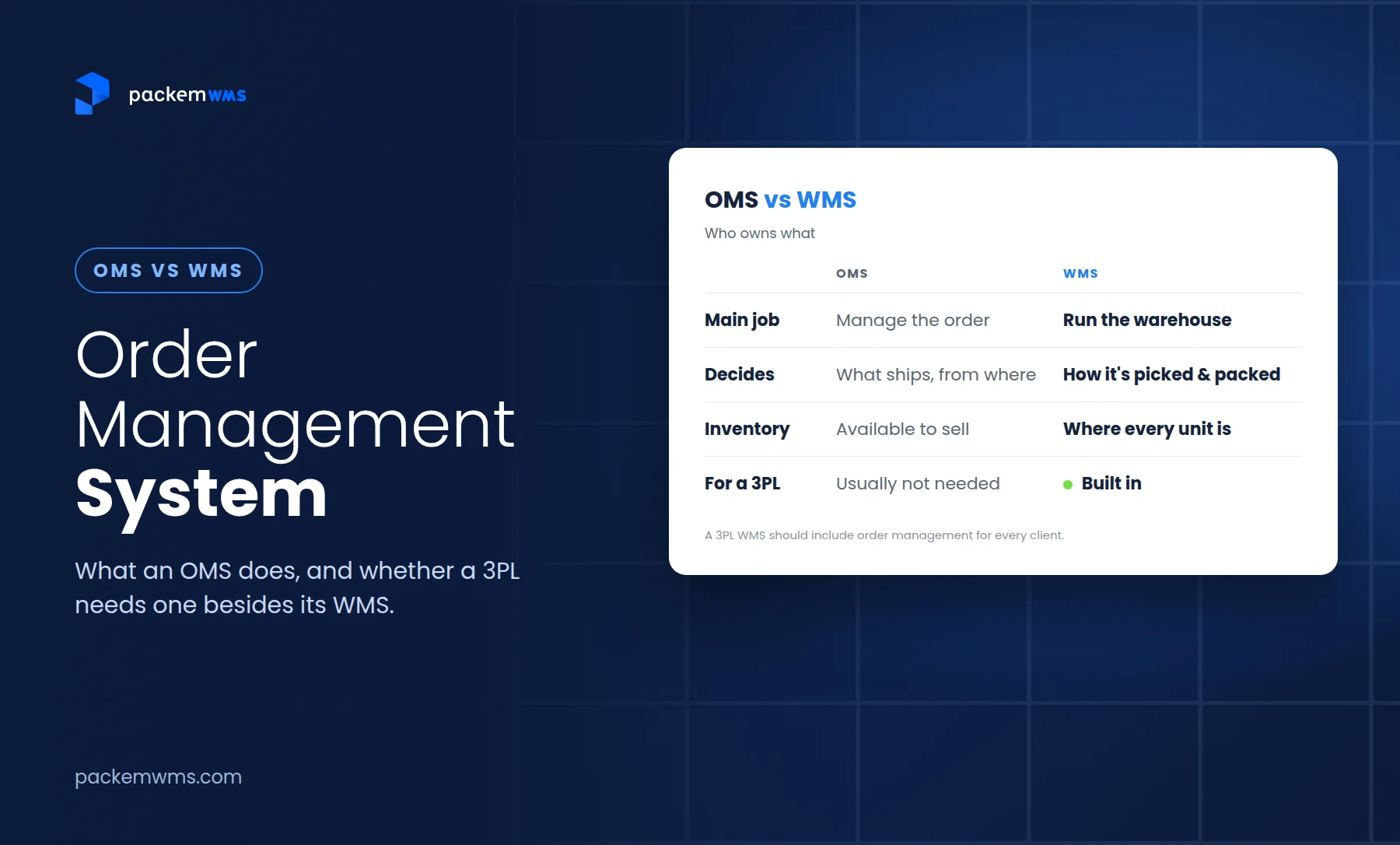
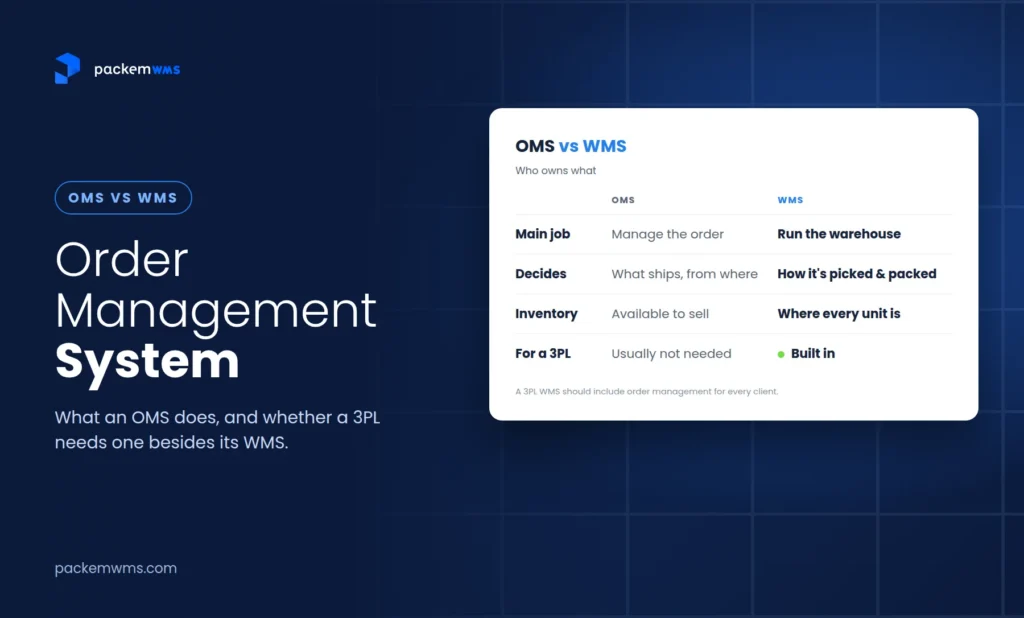
| Order management system (OMS) | Warehouse management system (WMS) | |
|---|---|---|
| Main question | What was ordered, and where should it ship from? | How do we receive, store, pick, pack and ship it? |
| Typical users | Ecommerce, customer service, sales, finance | Warehouse team, operations managers |
| Core data | Orders, customers, channels, prices, payments | Locations, bins, pallets, lots, pick lists, shipments |
| Inventory view | What’s available to sell, across locations | Exactly where every unit sits in the building |
| Hands off | Sends orders to fulfillment | Sends tracking and inventory updates back |
A simple way to remember it: the OMS decides what ships and from where; the WMS decides how it gets picked, packed and shipped.
The overlap is real, though. Most modern WMS platforms built for 3PLs include a lot of order management: pulling orders from channels, automation rules, order status and syncing inventory back. And most OMS platforms have some inventory features. That’s why the question “do I need both?” comes up so often.
Who needs which?
| Business | Usually needs | Why |
|---|---|---|
| Single-channel brand, self-fulfilled | A WMS or inventory tool | The store already acts as the order system |
| Multichannel brand, self-fulfilled | OMS features plus a WMS (often one system) | Orders from many channels need one queue and one inventory count |
| Brand using a 3PL | Possibly an OMS; the 3PL runs the WMS | The brand manages channels and customers; the 3PL manages the warehouse |
| Retailer with stores and DCs | An enterprise OMS plus a WMS | Routing across many locations is the OMS’s main job |
| 3PL | A 3PL WMS with strong order management built in | Orders from every client and channel must land on the floor, with inventory and tracking going back |
Does a 3PL need an OMS besides its WMS?
For most 3PLs, no separate OMS is needed. What a 3PL needs is a WMS that handles order management for every client:
- Order intake from every channel your clients sell on. Shopify, Amazon, WooCommerce, TikTok Shop, Walmart, Etsy, eBay and more, plus EDI orders from retailers and an API for everything else.
- Inventory as the source of truth. The warehouse knows what’s actually on the shelf, so the WMS should push available inventory back to each store and marketplace.
- Tracking sent back automatically, so the store marks orders shipped and the customer gets notified without anyone re-typing numbers.
- B2B orders, not just parcels. Wholesale and retail orders need cartons, pallets and documents. Clients should be able to enter a B2B order themselves and track it.
- Automation rules to route, hold, tag or change orders based on client, channel, SKU or destination, so the team isn’t touching every order by hand.
A separate OMS starts to make sense for the brand, not the 3PL, when the brand sells through many channels and locations, splits fulfillment across several warehouses or 3PLs, or needs complex customer-facing order editing, quoting and B2B sales workflows. In that case the brand runs the OMS, and the 3PL’s WMS connects to it.
How Packem handles order management
Packem is a 3PL WMS with order management built in:
- Channels: orders come in from Shopify, Amazon, WooCommerce, TikTok Shop, Walmart, Etsy, eBay and many more, plus retail EDI.
- Inventory sync: Packem is the source of truth for inventory and syncs available stock back to each connected store.
- Tracking: shipment tracking goes back to the store automatically.
- B2B: pallet-in, pallet-out handling and building pallets for wholesale and retail orders.
- Client portal: clients can enter B2B orders and track them themselves.
- Brand OMS connections: brands that run their own OMS connect it to Packem through our REST API.
See Packem’s order management features and order and packing automation rules.
How orders flow between a brand’s OMS and a 3PL’s WMS
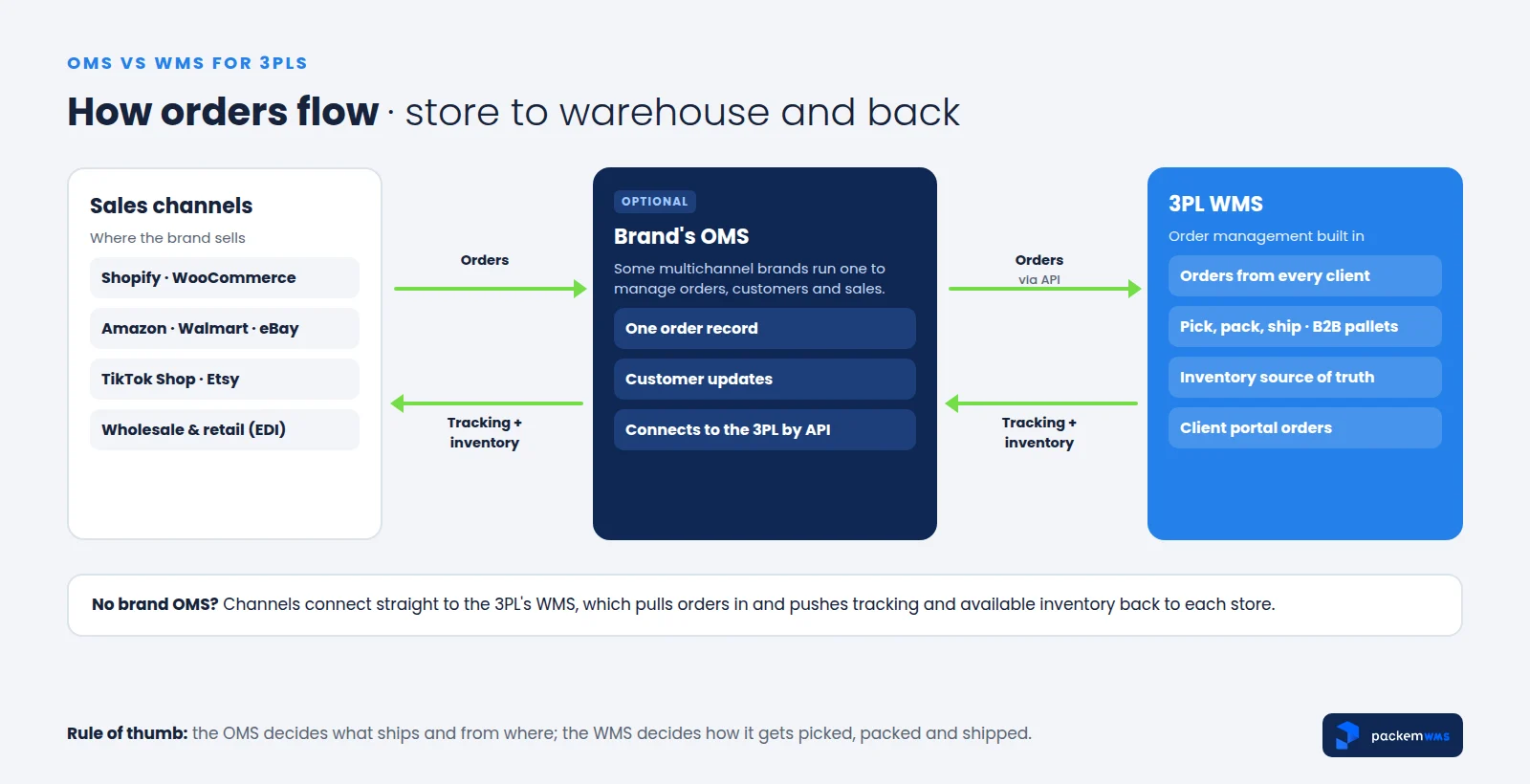
- A customer orders on a store, marketplace or wholesale account.
- The order reaches the 3PL’s WMS, either straight from the channel or through the brand’s OMS (by API) or a retailer’s EDI.
- The warehouse picks, packs and ships it in the WMS.
- Tracking goes back to the channel or OMS, which notifies the customer.
- Inventory goes back from the WMS to every connected channel, so available stock reflects what’s actually on the shelf.
Where the handoff breaks
Most order problems between brands and 3PLs happen in the handoff, not inside either system:
- Delayed inventory syncs. One mid-size 3PL on Reddit described syncing client orders by CSV twice a day and still overselling bundled SKUs. Near real-time sync between the store and the warehouse fixes most of this.
- Two sources of truth. If the OMS and the WMS both think they own the inventory count, they’ll disagree. Decide that the warehouse’s count wins for on-hand stock.
- Bundles and kits. If bundle mappings live only in the store or OMS, one missed update ships the wrong components. Keep bundle and kit recipes in the WMS (more in our guide to kitting fulfillment).
- B2B orders by email. Wholesale orders sent by email or spreadsheet skip the system entirely. Let clients enter B2B orders in a portal, or connect retailer EDI (see our 3PL EDI guide).
- Changes after picking. Cancellations and address changes need a clear cutoff and a way to reach the warehouse before the order ships.
What to look for in order management as a 3PL
- Native connections to the channels your clients sell on, plus EDI and an open API
- Inventory pushed from the warehouse to every channel, close to real time
- Tracking sent back automatically
- B2B orders with cartons, pallets and documents, and client-entered orders in a portal
- Automation rules by client, channel, SKU and destination
- Bundle and kit handling inside the WMS
- Per-client separation of orders, inventory and billing
For the bigger picture, see our guides to 3PL software for small business and what a warehouse management system is.
Frequently asked questions
What is an order management system (OMS)?
An order management system is software that collects orders from every sales channel into one place, tracks each order from purchase to delivery, checks inventory availability and decides where each order ships from. It also handles order changes, cancellations and returns.
What is the difference between an OMS and a WMS?
An OMS manages orders: capture, inventory availability across locations, routing and status. A WMS manages warehouse work: receiving, storage, picking, packing and shipping. The OMS decides what ships and from where; the WMS decides how it gets picked, packed and shipped.
Does a 3PL need an order management system?
Most 3PLs don’t need a separate OMS. They need a WMS with order management built in: order intake from every client channel and EDI, inventory sync back to stores, tracking updates, B2B orders and automation rules. Brands that sell through many channels may run their own OMS and connect it to the 3PL’s WMS by API.
What does OMS stand for in ecommerce?
In ecommerce, OMS stands for order management system: the software that pulls orders from online stores and marketplaces into one queue, tracks them and passes them to fulfillment.
Can a WMS replace an OMS?
For many brands and most 3PLs, yes. A WMS with built-in order management can pull orders from every channel, sync inventory and send tracking back. A dedicated OMS is still useful for retailers routing orders across many stores and warehouses, or for complex B2B sales workflows.
Which system should hold the inventory count?
The warehouse system should be the source of truth for on-hand inventory, because it tracks what’s physically on the shelf. It should push available stock to the OMS and sales channels so they don’t oversell.
Choosing your setup
If you’re a 3PL, you don’t need to add an OMS to your stack. You need a WMS that takes orders from every client channel, keeps inventory accurate and sends it back, handles B2B and retail orders, and connects cleanly to clients who run their own OMS.
This week: list every channel and order source your clients use, including email and spreadsheet orders. This month: check how quickly inventory and tracking reach each one after a shipment.
If you want to see order intake, inventory sync and B2B orders working together, book a 30-minute Packem demo.